


The use of a microscope camera isn’t just about hardware capabilities. To make the processes of observation, documentation, and image analysis more practical, software is needed that can integrate these various requirements. One such program is OptiLab Viewer 4, which is used to operate several models of OptiLab cameras.
What Is OptiLab Viewer 4?
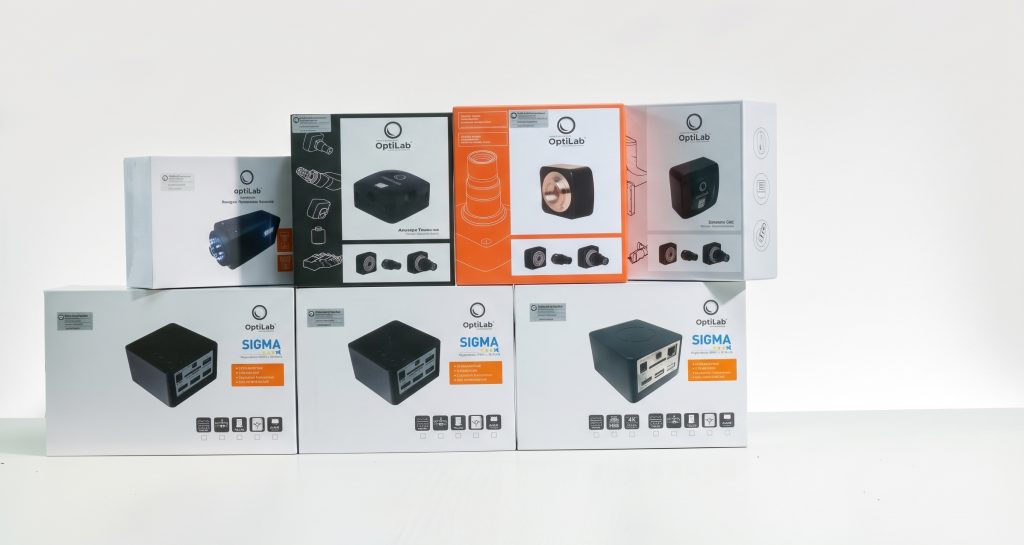
OptiLab Viewer 4 is software used to operate OptiLab Advance Series cameras, including the Advance Lite, Advance Observer, and Advance Plus, as well as the OptiLab SIGMA and SIGMA 4K.
This software is designed to support a more integrated process for observations using a microscope camera. In previous versions of OptiLab Viewer, tasks such as image capture and measurement might have required different software. OptiLab Viewer 4, however, combines these various functions into a single software application. As a result, users can perform more image processing and documentation tasks without having to switch between applications.
What Can the Software Do?
In general, OptiLab Viewer 4 can be used to display images from a camera, take photos, record videos, and adjust settings such as exposure and white balance. Users can also calibrate and measure images as needed.
In addition to these basic functions, the software also offers an auto-capture time-lapse feature for automatically taking photos at set intervals. It also supports adding watermarks, timestamps, scales, text, and markers to both images and video previews.
Supporting Microscopic Observation and Documentation
One of the key features of OptiLab Viewer 4 is its ability to support the documentation of observation results. Users can take measurements using various methods, such as lines, rectangles, circles, polylines, and polygons. These measurement results can be used to help document objects observed through a microscope camera.
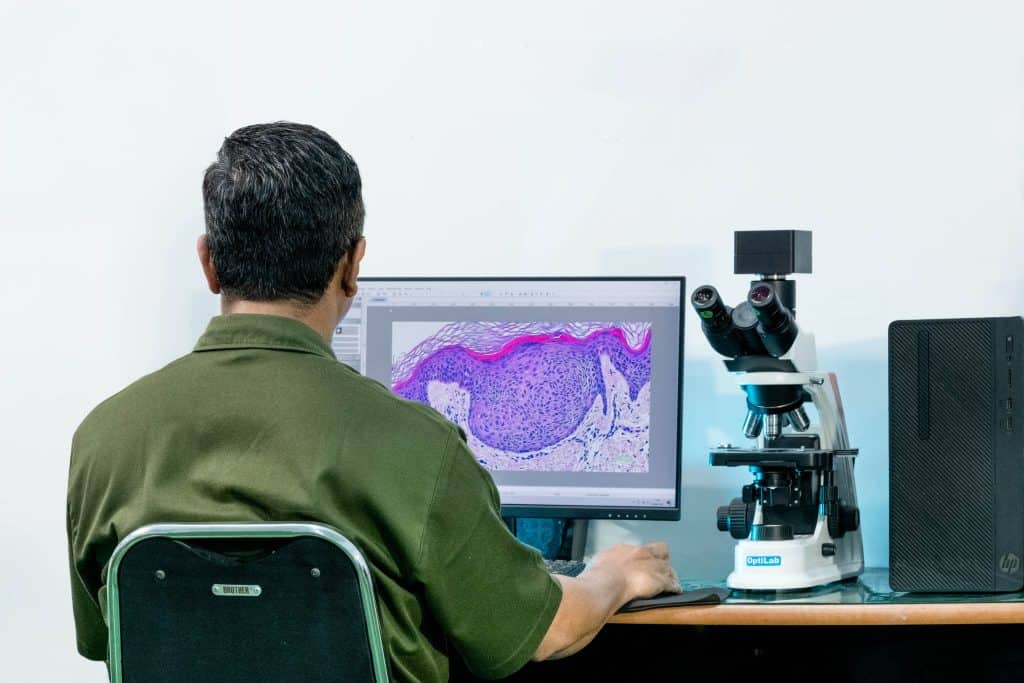
Not only that, but OptiLab Viewer 4 also includes EDF (Extended Depth Focus), Stitching, and Color Composite features that were not available in previous versions of the OptiLab software. These features are part of the software’s development to support a wider range of needs for microscopic observation and image processing.
Learn More About the Features of OptiLab Viewer 4
With a wide range of functions available in a single software package, OptiLab Viewer 4 can play a vital role in the use of OptiLab microscope cameras for observation, documentation, and measurement. The article below discusses features such as EDF, stitching, color composite, measurement, and image documentation.
Want to learn more about the features of OptiLab Viewer 4? Read the article “What Are the Features of OptiLab Viewer 4? Learn About Its Functions for Microscope Observation.”
Would you like to learn more about microscope cameras and OptiLab products? Visit the Miconos Website to view product information and available microscope solutions. ***