


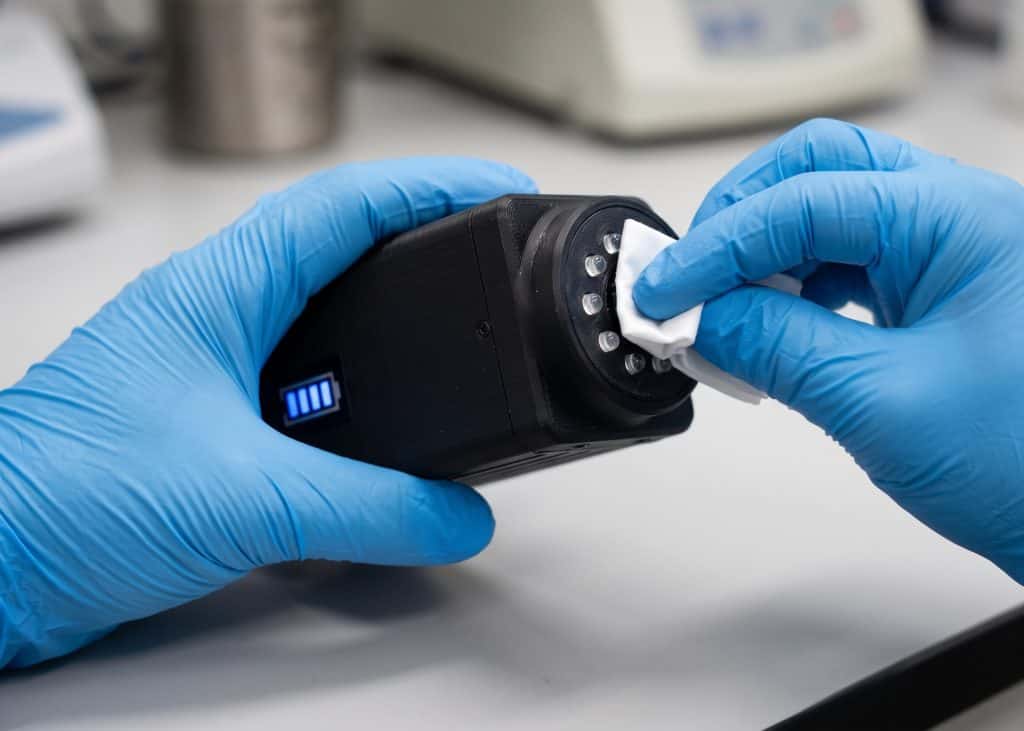
The NVeCam microscope camera device is designed to provide high visual clarity to support laboratory documentation. The process of maintaining the NVeCam requires careful attention so that the sensor's sensitivity is preserved. However, several small, incorrect habits can degrade image capture quality or even damage internal components.
Here are 5 common mistakes you must avoid when maintaining the NVeCam:
1. Cleaning the Optical Lens with Random Cloths
Using regular tissue paper, clothing, or rough-textured cloths can scratch the protectivecoatingon the NVeCam lens. These fine scratches will make captured images appear blurry or have distracting light flare . Always use specialized lens paper or a clean microfiber cloth along with a dedicated optical cleaning fluid.
2. Storing the Device in a Humid Place
High room temperature and humidity are the main enemies of optical devices. Storing the NVeCam in a damp area without a dry box or moisture absorbers (silica gelcan trigger mold growth on internal lens elements. Mold that has entered the interior is very difficult to clean and can permanently damage the sensor.
3. Unplugging Connection Cables Abruptly
Unplugging the data or power cable while the NVeCam is actively transferring data to a computer can trigger system errors or damage the connector port. Ensure that you have closed the image processing application on the computer and unplug the cable slowly to maintain the stability of the internal electronic circuits.
4. Using Harsh Chemical Cleaners
The use of solvents such as high-concentration alcohol, acetone, or household glass cleaners risks damaging the rubber seals and the protective coating on the NVeCam's body and lens. Use a cleaning fluid specifically formulated for precision optical devices in moderate amounts (apply it to a microfiber, rather than spraying it directly onto the device).
5. Leaving the Sensor Port Open Without a Cover
When the NVeCam is removed from the microscope adapter, make sure to immediately attach the protective cover(dust cap).Leaving the sensor area open will make it easy for fine dust particles to enter and stick to the CMOS sensor, CMOS, which results in the appearance of black spots on every captured photo or video.