


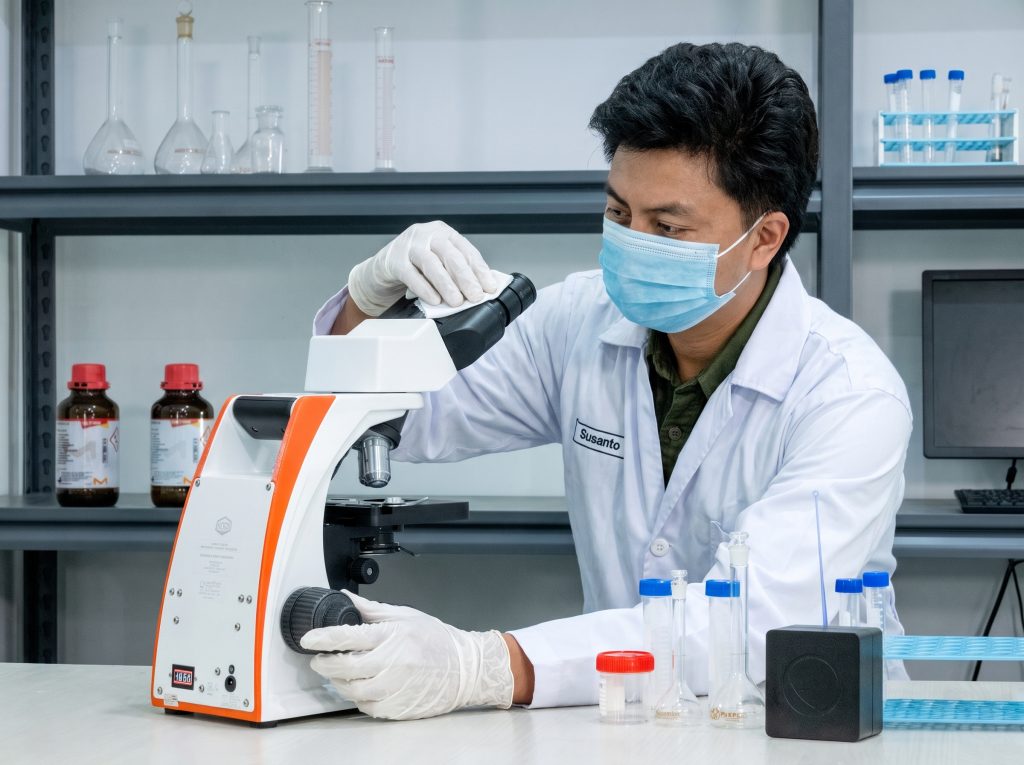
Microscopes must be properly maintained to ensure optimal observation quality and to protect their internal components from dust, moisture, and dirt. After use, microscopes should not simply be put away immediately. A few simple steps should be taken to maintain the condition of the lenses and other parts.
According to the OptiLab IRIS microscope maintenance SOP, there are several points to keep in mind after use and during cleaning.
Clean the Immersion Oil from the 100x Lens
If you are using a 100x objective lens with immersion oil, wipe off any remaining oil after you finish observing. Use a lens tissue to remove any oil still clinging to the lens surface.
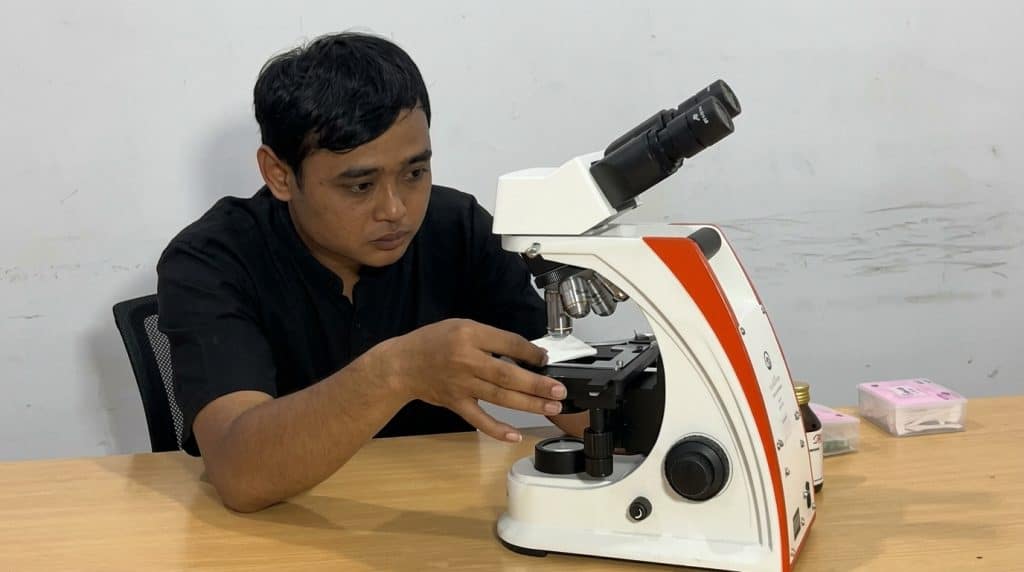
Next, use a lens wipe moistened with absolute alcohol or ether alcohol in a 1:4 ratio to remove any remaining oil. After that, dry the lens with a dry lens wipe. Avoid using xylol or xylene to clean the lens.
Do Not Disassemble the Microscope Without Proper Guidance
Maintenance does not mean you have to take the microscope apart. Instead, the eyepiece should remain attached to prevent dust and mold from entering through any open parts.
If any lenses or parts have been removed, be sure to cover the openings with the provided caps. This will ensure that the interior of the microscope remains protected during storage.
Check for Dust and the Condition of the Lens
Dust can cause the image to appear blurry or result in black spots in the observation. Therefore, check components such as the objective lens, eyepiece, condenser, and light source glass if image quality deteriorates.
Dust on the lens can be removed using a soft cotton swab or an air blower. For stubborn dirt, use absolute alcohol or ether alcohol with a suitable lens cleaning cloth.
Store in a Dry Place
After cleaning, turn off the microscope’s light before storing it. Cover the microscope with a dust cover to protect it from dust.
In addition, pay attention to the room’s humidity. Microscopes should be stored in a room with low humidity. If used in a humid room, use a storage box or cabinet equipped with humidity control.
Maintain Your Microscope So It's Ready for Use Again
Routine maintenance helps keep the microscope in good condition for future use. If damage occurs that you cannot repair yourself, you should contact customer service so that a proper inspection can be performed.
Want to learn more about the OptiLab IRIS-4 and other microscope products? Visit PT Miconos' official website to view product information and laboratory equipment requirements.