


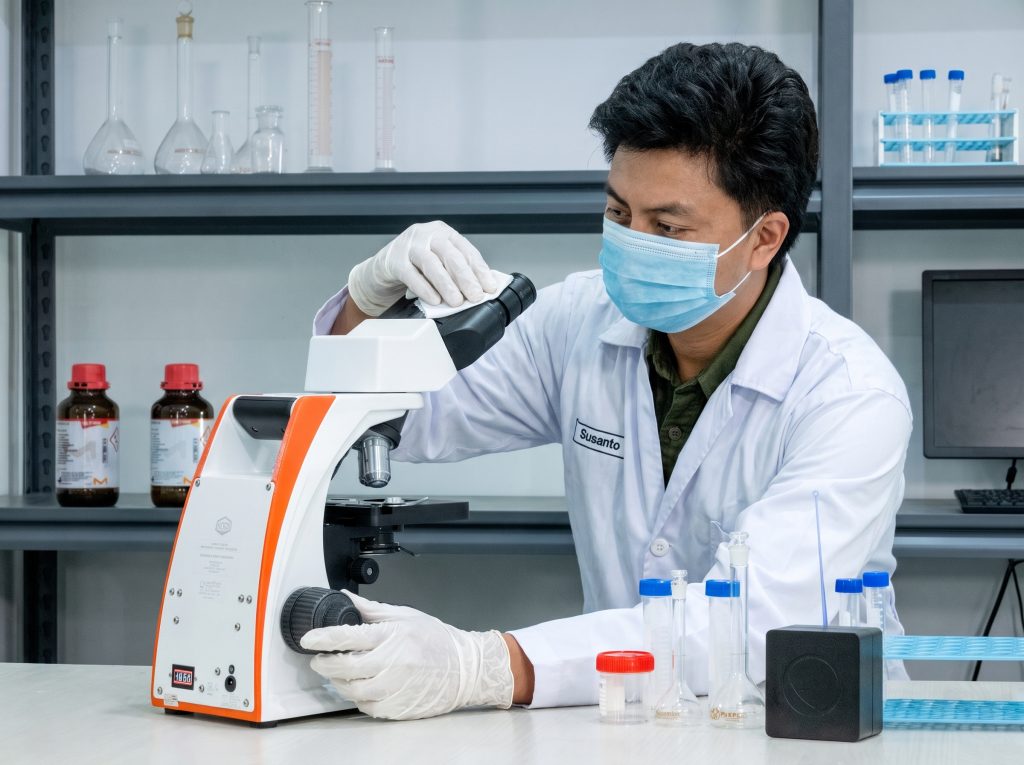
The OptiLab IRIS-4 microscope is designed to support microscopic observations in the laboratory. To maintain its optimal performance, the device must be properly maintained after use. Care should focus primarily on the lenses, illumination system, and storage conditions. With the right steps, you can preserve both the cleanliness of the device and the quality of your observations.
Here are several steps you can take to keep the microscope in good condition.
Clean Immersion Oil from the 100X Objective Lens
After using the microscope with the 100X objective lens and immersion oil, clean the oil residue off the lens immediately. First, wipe it with lens paper, then clean any remaining residue using lens paper dampened with absolute alcohol or an alcohol-ether mixture in a 1:4 ratio.
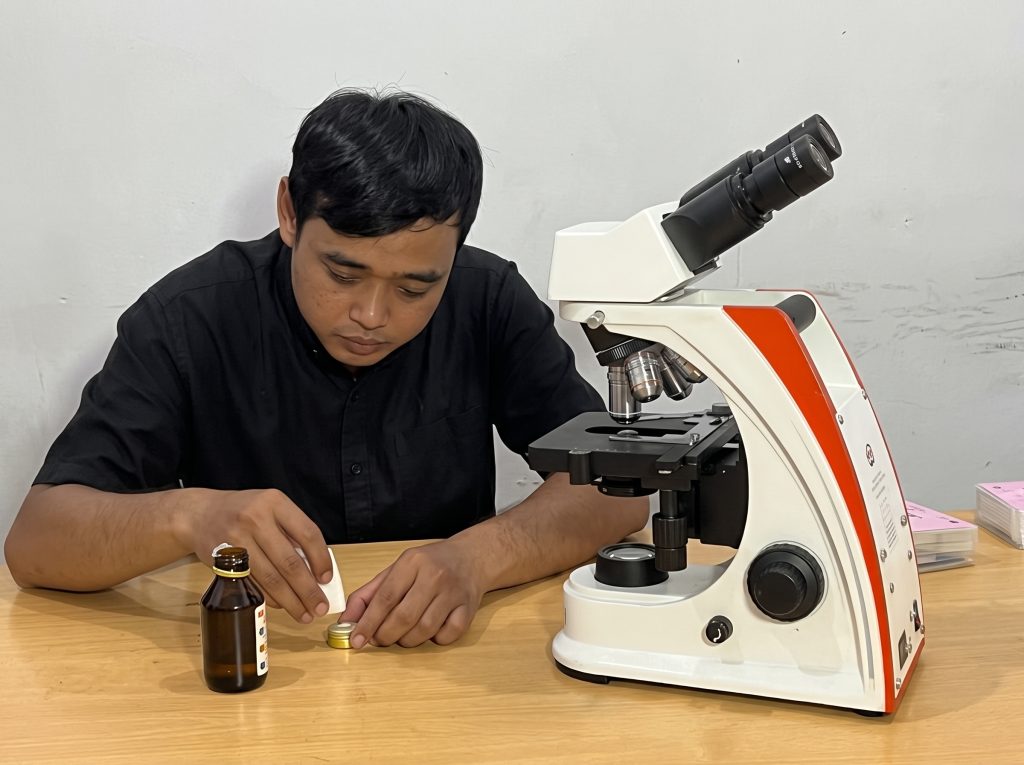
After that, dry it with a clean piece of dry lens paper. Avoid using xylol or xylene to clean the lenses.
Ensure the Microscope Light Is Turned Off
Before storing the microscope, make sure the light is turned off. This is particularly important for devices with a backup battery, as leaving the light on can drain the battery and accelerate its degradation.
Do Not Remove the Eyepieces
Eyepieces should remain attached after you finish using the microscope. Leaving those openings exposed can allow dust or mold to enter the device. If an objective lens is missing, seal the empty port with the provided cap.
Protect the Microscope from Dust and Moisture
If the microscope will not be used for an extended period, use a protective cover to shield it from dust. Additionally, store the device in a room with low humidity levels.
If the microscope is used in a high-humidity room, it can be stored in a dedicated microscope box or cabinet with controlled humidity. This storage space can be equipped with a continuously burning 5-watt bulb and a moisture absorber (desiccant). Meanwhile, an air-conditioned room that runs continuously can serve as a suitable storage location without requiring a heated storage box.
Clean the Lenses Properly
Before cleaning the microscope, ensure the device is not in use, the power switch is in the OFF position, and the power cord is disconnected from the electrical outlet.
If the image appears blurry or black spots emerge, inspect the objective lenses, eyepieces, condenser, and light source glass. Dust on the lenses can be removed using a fine cotton swab or an air blower. For stubborn dirt, use absolute alcohol or an alcohol-ether mixture in a 1:4 ratio applied with lens paper or a soft tissue.
Avoid Organic Solvents on the Microscope Body
Painted, plastic, and metallic surfaces on the microscope body must not be cleaned using thinners, acetone, absolute alcohol, ether, or any of their mixtures. Use a soft cloth with a mild soap solution, then wipe with water and dry thoroughly.
If disinfection is required, use a soft cloth with a small amount of 70% alcohol on frequently touched areas.
Conclusion
Proper microscope maintenance helps preserve the cleanliness, observation quality, and overall condition of the device. From cleaning immersion oil and keeping the lenses clear to ensuring the light is turned off and maintaining proper storage conditions, every step must be executed correctly to keep the microscope ready for use.
For more information about OptiLab products, visit Miconos' official website or consult with us regarding your microscope equipment needs.