


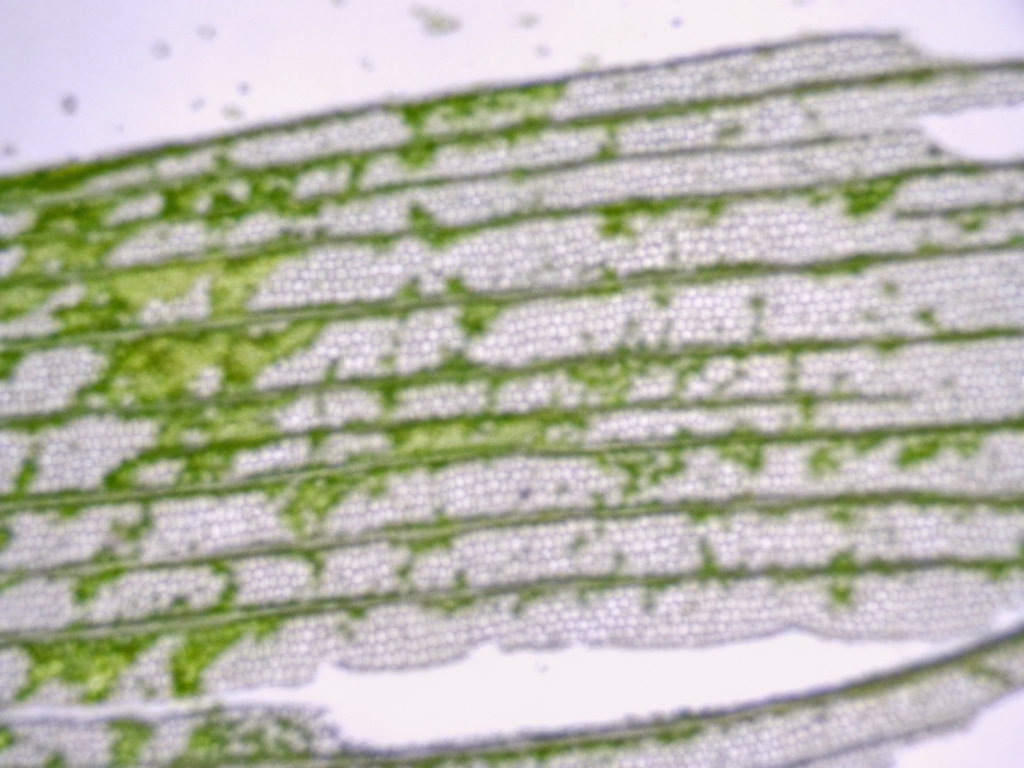
Have you ever noticed that the image under a microscope appears to wobble, move, or be difficult to keep in focus even though the sample’s position hasn’t changed? This can interfere with the observation process, especially when using high magnification or capturing images with a digital microscope camera.
Shaky microscope images aren’t always caused by equipment malfunctions. Factors ranging from environmental disturbances and the position of the table to unstable components can also affect the results of observations. Therefore, it’s important to identify the source of the problem before making any adjustments.
What Causes Unstable Microscope Images?
The following conditions can cause objects to appear to move or become less sharp.
1. The Table Surface Is Unstable
A microscope placed on a table that wobbles easily can pick up vibrations from surrounding activity. Movements such as typing, walking, or touching the table can also affect image stability.
2. Vibrations from Nearby Equipment
Laboratory equipment such as fans, pumps, or motorized devices can generate vibrations that travel to the microscope stage. Airflow from fans or air conditioners can also interfere with certain observations.
3. The Microscope Components Are Not Sturdy Enough
Microscope parts or camera accessories that are not securely mounted can cause the observation system to become unstable. The camera mount and additional components should also be checked.
4. Magnification and Image Capture
At high magnification, even small movements can be seen more clearly. When the camera uses a longer exposure time, camera shake can also cause the photo to appear blurry.
How to Fix a Shaky Microscope Image
Before assuming that the microscope is broken, perform the following checks:
- Place the microscope on a sturdy, level table.
- Keep the tool away from sources of vibration, such as fans or pumps.
- Double-check the camera mount and any additional components.
- Avoid touching the table or microscope while taking pictures.
- Make sure the focus and the position of the specimen are stable.
If the image continues to move after the inspection, it is best to have a technician perform a further check.
Support Observation with a Stable Microscope
The stability of the equipment and the observation environment play a crucial role in producing clear images. OptiLab by PT Miconos offers a wide selection of microscopes for educational and laboratory needs.
To learn more about OptiLab’s selection of microscopes and documentation devices, visit PT Miconos' official website.